
Smiley Trail
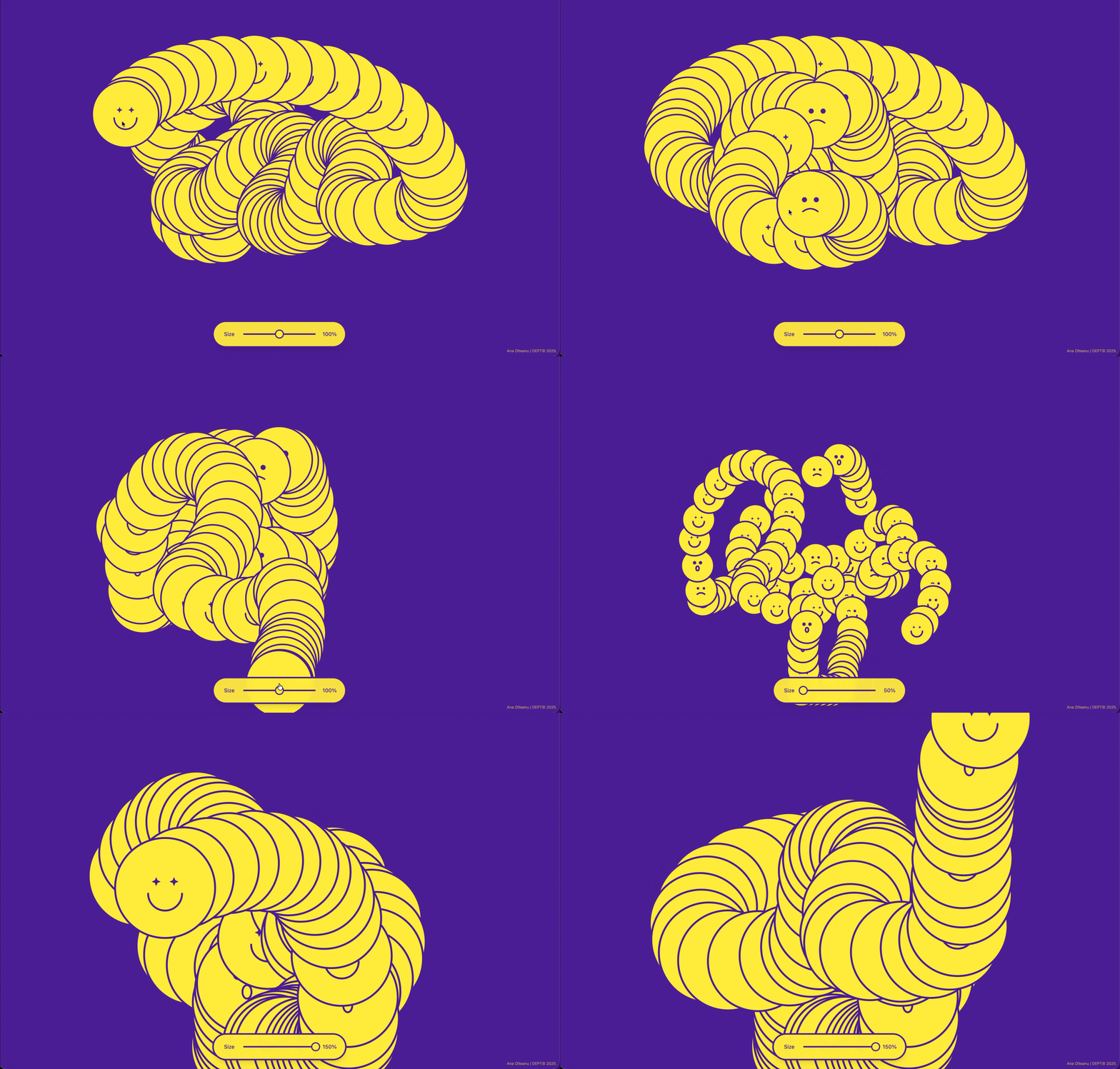
A quick experiment with Figma Make. The concept started as a simple "cursor follower" but evolved quickly once I started playing with the trail effect.
The idea
I wanted to get my hands dirty with Figma Make and actually build something instead of just reading about it. So I gave myself a simple challenge: take a silly concept and turn it into something interactive fast.
The result?
A tiny browser game where you control a smiley face. Nothing groundbreaking, but that was kind of the point.
Mobile-first thinking
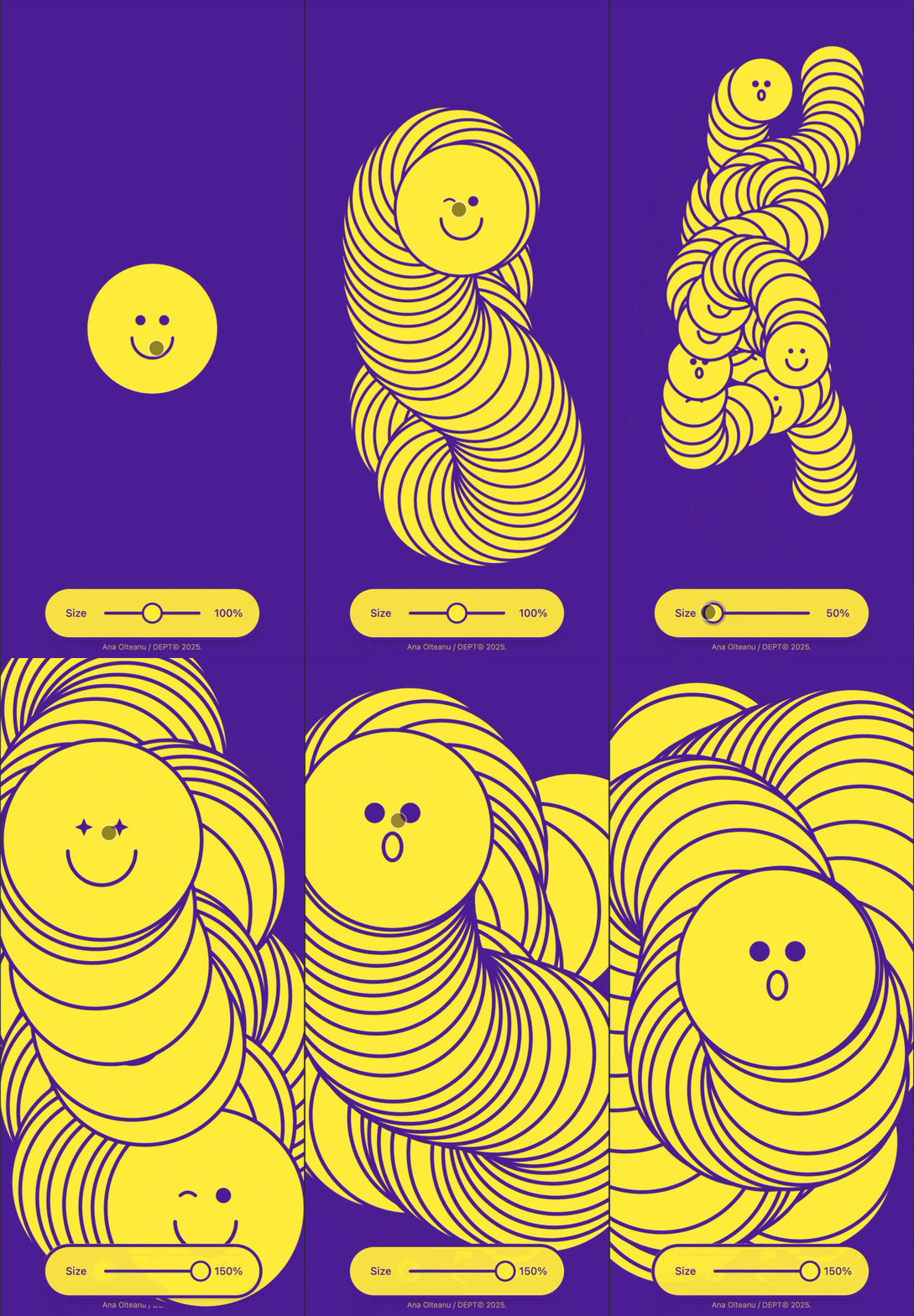
One thing I was deliberate about: making sure the experience worked on touch screens without fighting the browser.
On mobile, cursor-following interactions can easily clash with native gestures, scrolling, swiping back, pulling to refresh. So I paid close attention to how the experience translated to touch screens.
The smiley follows your finger, which feels natural and fun. But I also made sure the interaction didn't fight the browser: no blocked scroll gestures, no accidental conflicts with system-level swipes. The goal was for it to feel like it belonged on mobile, not like a desktop experience awkwardly ported over.
Small detail, but an important one, especially when you're building something playful that people will likely open on their phone.
What I learned
Figma Make lets you go from design to interactive prototype way faster than I expected. The logic and interaction layers clicked pretty naturally once I stopped overthinking it and just started doing.
A few honest takeaways:
- Constraints push creativity. A simple concept forced me to focus on feel over features.
- Shipping something small > planning something big. This took less than a day from idea to live link.
- It's a genuinely fun tool for rapid experimentation — especially for designers who want to add a bit of logic without jumping into code.
Try it
Part of an ongoing series of personal experiments exploring new tools.